Precision Document Intelligence
The PDF editor built for you
WysePDF gives you fast, affordable PDF editing on Windows. View, annotate, organize, fill forms, sign documents, and run OCR — without the subscription cost.
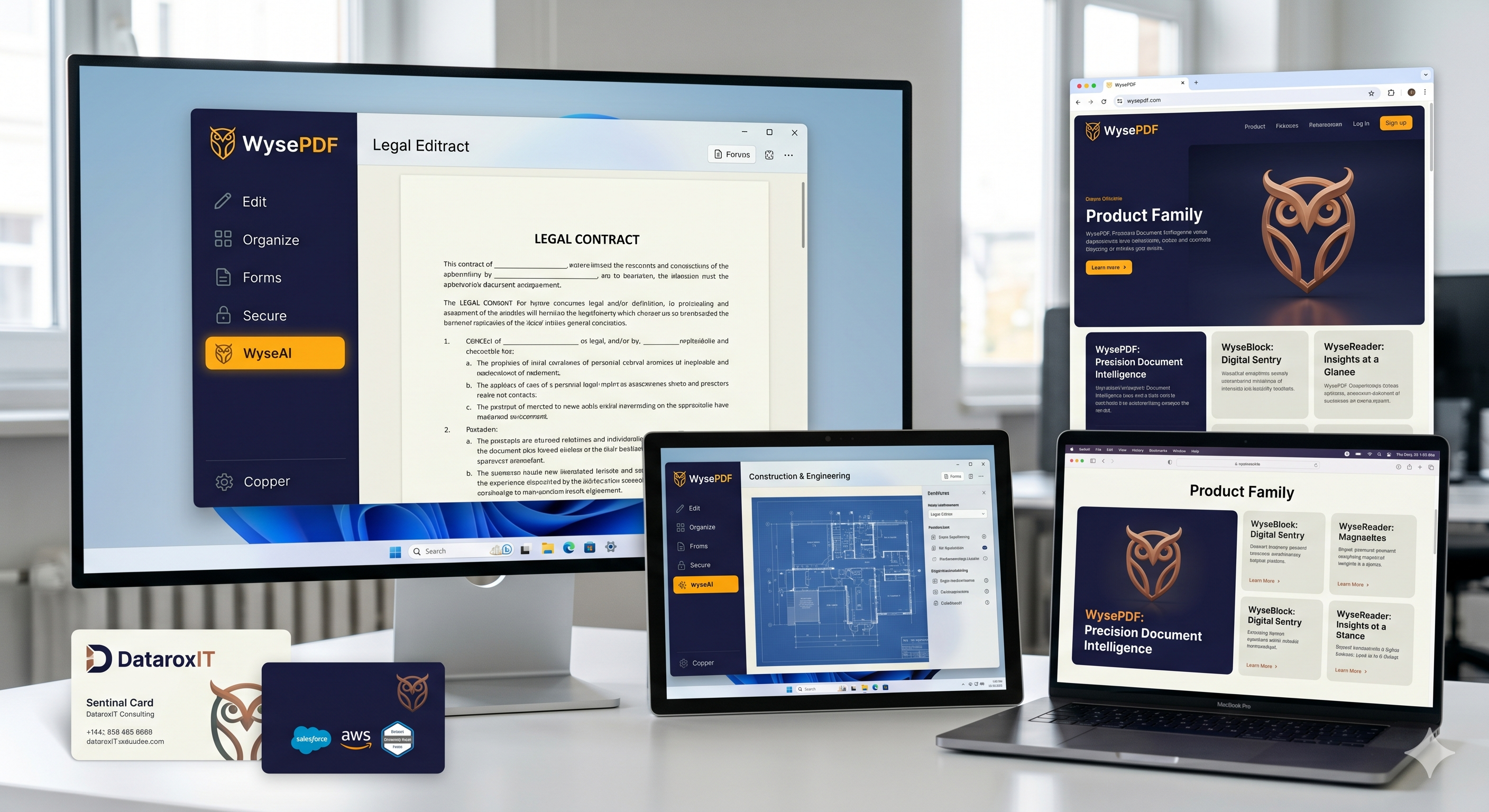
Everything you need in a PDF editor
Covers 90% of what you actually do with PDFs — without the complexity.
View & Navigate
High-fidelity PDFium rendering with tabbed documents, page thumbnails, zoom (25%-800%), and keyboard navigation.
Annotate & Markup
Text boxes, shapes, highlights, sticky notes, and image signatures — all accessible from the Ribbon UI.
Organize Pages
Merge, split, reorder, rotate, delete, and insert pages. Handles password-protected source files.
Fill Forms
Auto-detect form fields. Fill text inputs, checkboxes, radio buttons, and dropdowns. Reset with one click.
OCR Scanning
Convert scanned documents to searchable, selectable text with Tesseract OCR. Invisible text layer preserves appearance.
Secure & Encrypt
Set, change, or remove passwords. AES-128 and AES-256 encryption. Separate user and owner passwords.
Edit Text
Cover-and-replace editing with font matching. Overlay edits stay editable until you save.
Export & Compress
Export pages as PNG/JPEG at up to 600 DPI. Compress PDFs with three quality levels.
Built for the way you work
Whether you're reviewing contracts or annotating research papers, WysePDF fits your workflow.
Business Professionals
Work with contracts, invoices, and reports daily.
Students & Researchers
Annotate academic papers and textbooks with ease.
Legal & Medical Offices
Process scanned documents and fill forms efficiently.
Small Businesses
PDF tools without per-seat licensing costs.
Product Family
WyseBlock: Digital Sentry
Powerful ad blocking and privacy protection for a cleaner, faster browsing experience.
Learn More →WyseReader: Insights at a Glance
Smart document analysis that surfaces key insights and summaries from your reading material.
Learn More →Why choose WysePDF?
No Subscription
One-time purchase or free tier. No recurring costs ever.
Fast & Lightweight
Native Windows WPF app. Not a bloated Electron wrapper.
Privacy First
All processing happens locally on your machine. No cloud uploads.
Office-Style Ribbon UI
Familiar interface with Home, Edit, Pages, Tools, and View tabs — just like Office.
Keyboard Shortcuts
Ctrl+O, Ctrl+S, Ctrl+Z/Y, Ctrl+F, Ctrl+P — all the shortcuts you expect.
Built for Business
Handles contracts, invoices, reports, forms, and scanned documents.
Ready to get started?
Download WysePDF for free and experience precision document editing on Windows.